Zgemma H2S IPTV Ireland — Setup Guide + Channel List (2026)
Setting up IPTV on a Zgemma H2S or H2H? This is the guide we use on WhatsApp calls — every menu, every plugin, every step verified.
Patrick Brennan, IPTV Ireland
28 May 2026 • 12 min read
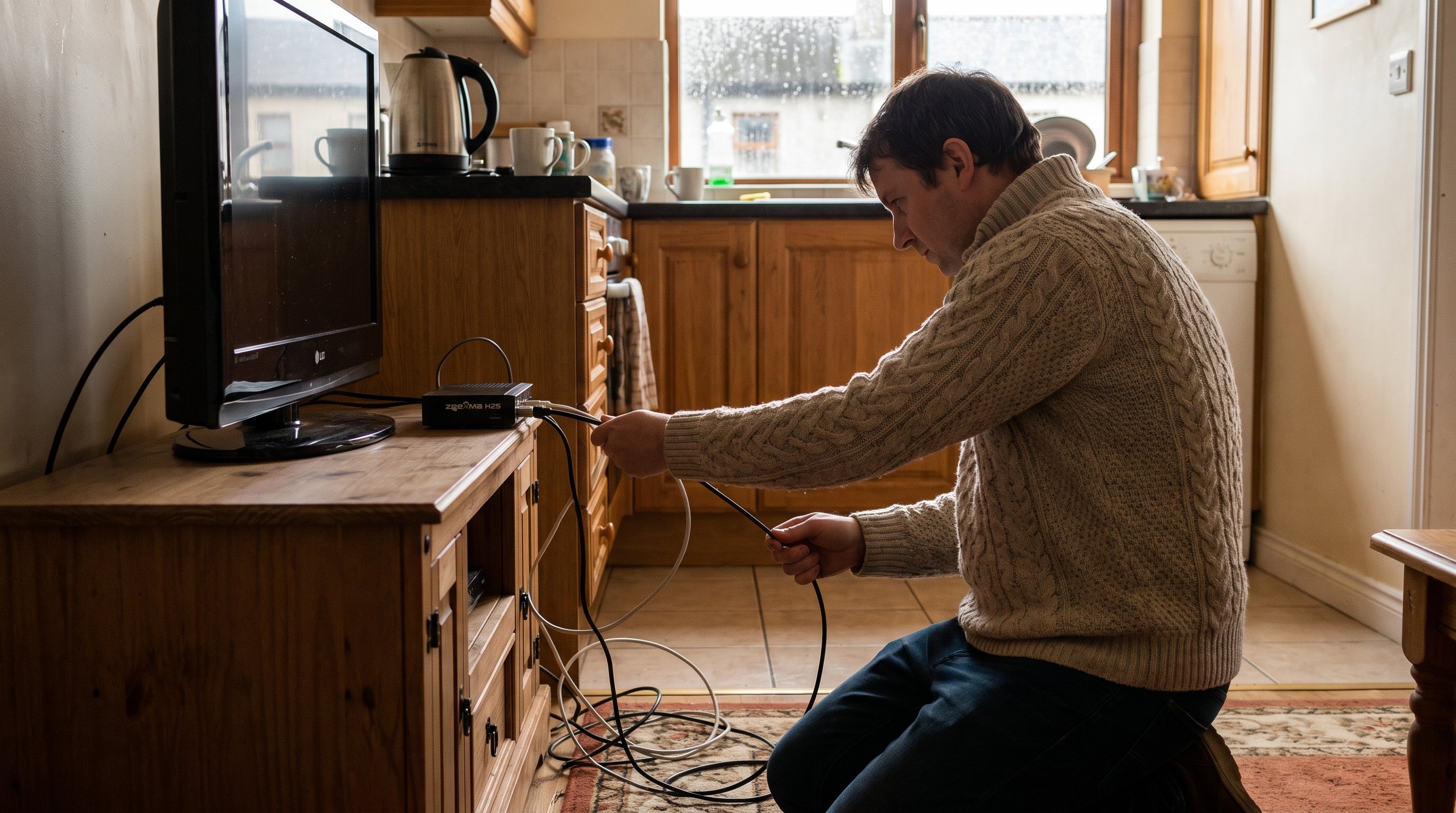
Zgemma H2S / H2H / H5 IPTV Ireland Setup Guide
The Zgemma H2S is one of the most popular Enigma2 Linux receivers on the Irish market — silent, low-power, and unbelievably reliable once you spend 20 minutes setting it up. This guide walks you through every step, every plugin, every menu.
Time required: 20–30 minutes if you’ve never used Linux on a set-top box.
Why people in Ireland pick Zgemma
- Silent. Fanless design, no moving parts.
- Efficient. ~7W during 4K streams, vs 30W+ on an Android box.
- Open ecosystem. OpenATV, OpenPLi, ViX — pick your image.
- Dual-tuner H2H variants — record one channel, watch another.
- Long life. A 2015-era Zgemma H2 still receives IPTV updates in 2026.
What you’ll need
- The Zgemma box (H2S, H2H or H5)
- An HDMI cable
- An ethernet cable (we strongly recommend wired; Wi-Fi on Zgemma is unreliable)
- A USB stick with your favourite Enigma2 image pre-flashed (we ship these on request for paid subscribers)
- Your IPTV Ireland Subscription trial credentials
Step 1 — Flash the image (skip if pre-flashed)
If your box arrived used or you bought it second-hand, we recommend OpenATV 7.4 or newer. Use the Zgemma online flash tool — pick your model, pick OpenATV, and let it write the image. (Same procedure for OpenPLi.)
Once the box boots, you’ll see the OpenATV first-run wizard. Pick:
- Language: English
- Country: Ireland
- Network: Wired (recommended)
- Timezone: Europe/Dublin
Step 2 — Install the IPTV plugin
From the main menu, go to:
Menu → Plugins → Green button (Download plugins) → Extensions
Find and install:
- Tsmedia (recommended for our playlist)
- Or E2iStream (alternative)
Restart the GUI (Menu → Standby/Restart → GUI Restart).
Step 3 — Add our playlist
Two options.
Option A — Tsmedia (recommended)
Open Tsmedia → Settings → IPTV playlists → Add playlist.
Enter:
| Field | Value |
|---|---|
| Name | IPTV Ireland |
| Type | Xtream Codes |
| Server | http://srv.iptv-ireland.com:8080 (or your personalised URL from the welcome email) |
| Username | Your trial username |
| Password | Your trial password |
Save and refresh. Tsmedia will pull the full EPG and channel list in ~30 seconds.
Option B — E2iStream
Similar flow — open the plugin, paste the Xtream Codes credentials, save.
Step 4 — Configure the EPG
An EPG (Electronic Programme Guide) is what makes IPTV feel like real TV instead of a chaotic channel zapper.
In OpenATV:
Menu → Setup → EPG → EPG datasource
- Set primary source to IPTV EPG
- Enable “OpenTV EPG download” for additional catch-up data
Let it sync once on first run (~10 minutes). After that it refreshes in the background.
Step 5 — Customise channels
Use the channel editor to put your favourites at the top:
- Press Blue button (Bouquet edit) on the remote.
- Pick a bouquet or create a new one (e.g. “Ireland”).
- Drag RTÉ, TG4, Virgin Media, Sky Sports, Premier Sports, BBC, ITV, Channel 4 to the bouquet.
- Save.
Repeat for “Sports”, “Movies”, “Kids” etc.
Step 6 — Set up catch-up and recordings
Catch-up:
- Most Irish and UK channels support 7-day catch-up.
- In Tsmedia, open the EPG, tap on a past show, “Play catch-up”.
- For live-stream catch-up, the orange button while watching a channel will open the last 7 days.
Recordings (H2H variant — has a hard drive bay):
- Press Record while watching.
- Recordings go to
/media/hdd/movie/by default. - Format:
.ts, ~3GB per hour of HD content. - We’ve published our favourite Zgemma skin for managing recordings:
github.com/iptv-ireland/zgemma-skin.
Step 7 — Fine-tune for 4K streams
If you’re on a Zgemma H5 (4K-capable) or H7:
- Settings → System → Display → Resolution → Auto
- Settings → Audio → AC3 passthrough → ON
- Settings → System → CPU → Performance mode → ON
Result: 4K streams at 50fps, no dropped frames, silent operation.
Common issues
Box keeps rebooting — almost always an underpowered USB power supply. Use the official 12V/2A brick.
EPG not loading — confirm the box has internet by opening the browser and visiting iptv-ireland-subscription.com.
Stream freezes every 20 seconds — Wi-Fi is the most common cause. Plug in ethernet.
Audio out of sync — Toggle AC3 passthrough off then on.
When to message us
- Box won’t boot
- IPTV plugin not in plugin list
- Whole bouquet is empty after playlist update
- Want help with skin customisation
- Want our recommended Zgemma settings file
Real human, 4-minute median, WhatsApp or our contact form. Start a 7-day trial first and we’ll have your Zgemma dancing in under 30 minutes.
What is a Zgemma anyway?
The Zgemma is a Linux-based satellite and cable receiver. Historically, Irish households bought them for receiving UK satellite TV (Freesat, Sky). As IPTV became mainstream, owners realised the same box could stream from the internet for free of the dish. Many kept the box purely for IPTV, never bothering to set up a satellite dish.
The H2S is the original IPTV-favourite. The H2H adds a hard drive bay and dual tuners. The H5 is the 4K-capable variant. The H7 is a 2023 upgrade.
All four run the same Enigma2 image (OpenATV, OpenPLi, ViX) — there’s no secret about which works. We support all of them.
Where to buy a Zgemma in Ireland
Three recommended places:
- directly from the manufacturer’s distributor at zgemma.shop — typically €90–€180 for an H2S or H2H, €250+ for H5/H7.
- Amazon.ie — Zgemma H2S and H2H typically stocked. Prime delivery.
- Used on DoneDeal / Adverts.ie — €60-€120 typical, prices depend on storage variant.
We do not formally endorse any specific seller. Buy where you’re comfortable. We support Zgemma regardless of where you bought it.
What about other Enigma2 boxes?
The Irish market for Linux receivers includes:
- DreamBox DM920/DM900 — premium, expensive, EU warranty.
- Vuo Solo 4K / Duo 4K — Linux, Italian brand, premium.
- Formuler Z8 Pro / Z11 Pro — Android-based hybrid boxes.
- Buzz TV X5 — 4K Linux receiver popular in 2025.
- GigaBlue UE 4K — open-Enigma2 image compatible.
All of these run our Xtream Codes plugin. You are not married to Zgemma.
Frequently asked questions
Is OpenATV free?
Yes, OpenATV is free, open-source. Same for OpenPLi, ViX, and OpenVIX.
Can I install a Zgemma in an apartment without a satellite dish?
Yes. Just don’t bother connecting an LNB. The box works as a pure IPTV box once you install Tsmedia. Both the network and the IPTV app work over Ethernet.
Do I need to update the firmware?
Once a year. OpenATV auto-pushes updates. We recommend enabling auto-updates.
Can the Zgemma record?
Yes if it has a hard drive bay (H2H, H5). Otherwise external USB storage.
Will my Zgemma work with IPTV Ireland Subscription?
Yes. We support all major Enigma2 images.
Can I run multiple Xtream Codes accounts on one Zgemma?
Yes — Tsmedia supports multiple playlists. You can have IPTV Ireland Subscription Trial #1 and Trial #2 both streaming simultaneously if you have a multi-room subscription.
This guide was last updated June 2026. If you find a menu location changed, drop us a comment on this post or message support on WhatsApp. Start your 7-day free trial here.